 pax
be56db1f47
pax
be56db1f47
Fixes flashing/flickering on short looping videos by using
QMediaPlayer.Loops.Infinite instead of manually seeking to 0
on EndOfMedia.

booru-viewer
Local desktop application for browsing, searching, and favoriting images from booru-style imageboards.
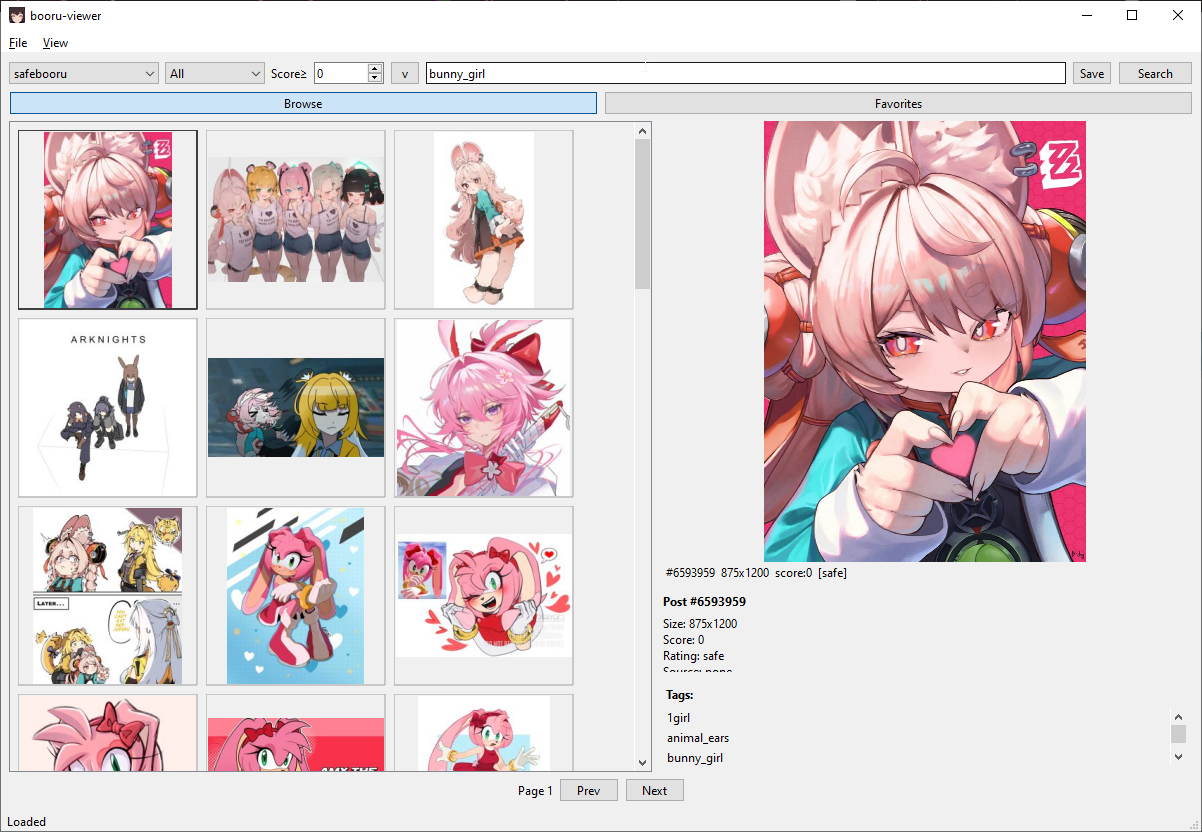
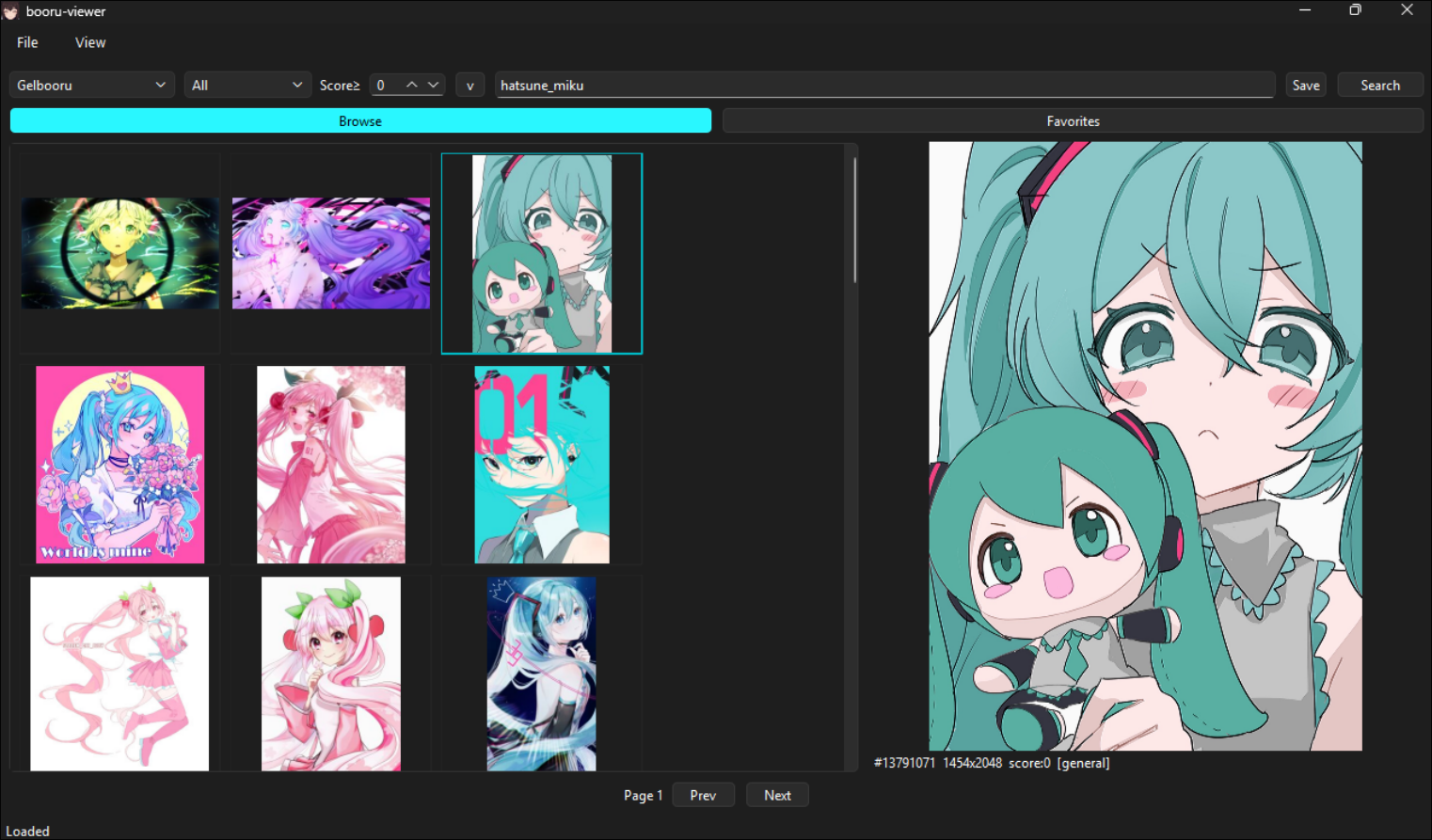
Screenshots
Windows 10 — Native Light Theme
Windows 11 — Native Dark Theme
Linux — Styled via system Qt6 theme
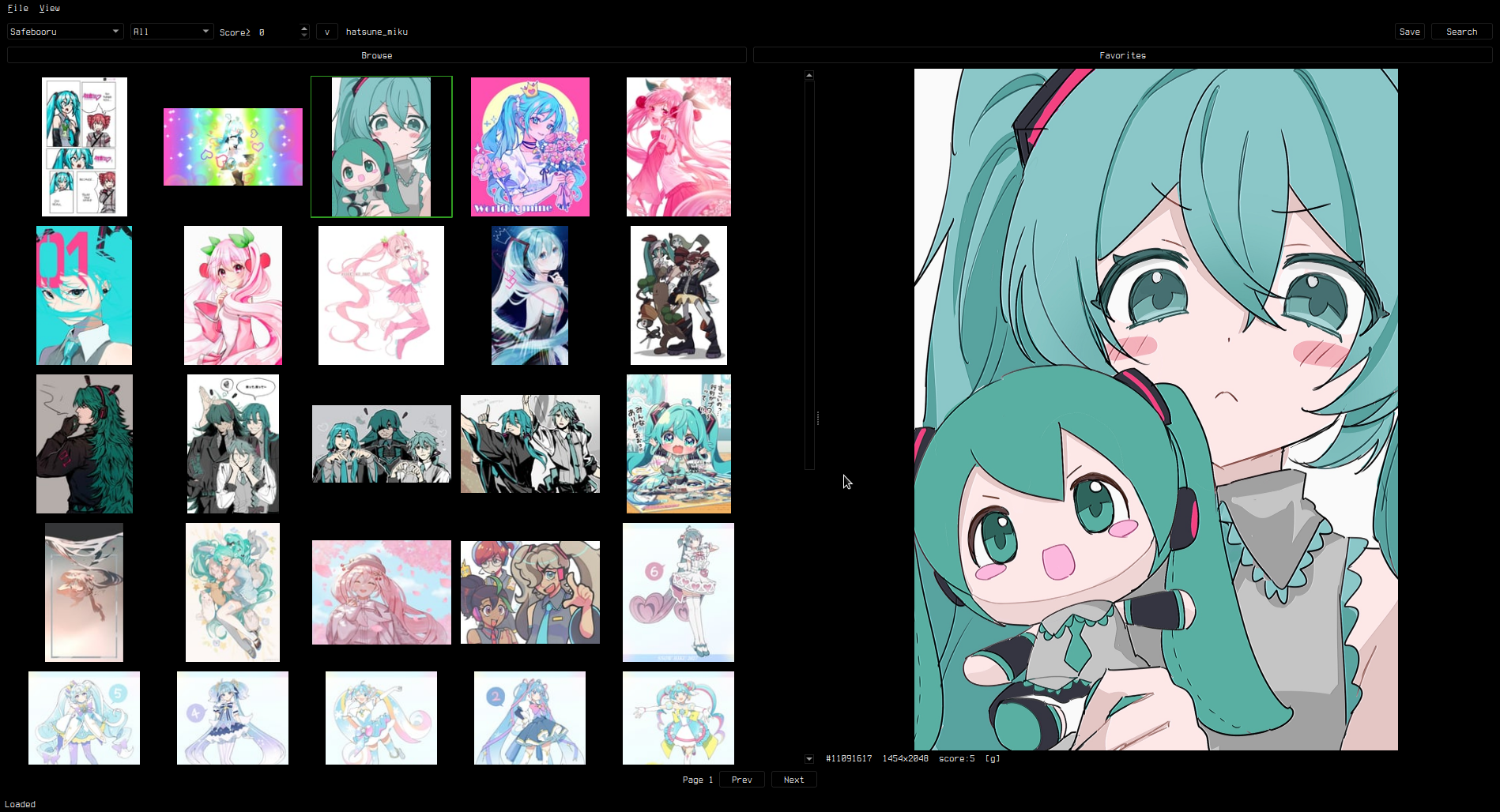
Supports custom styling via custom.qss — see Theming.
Features
- Supports Danbooru, Gelbooru, Moebooru, and e621
- Auto-detect site API type — just paste the URL
- Tag search with autocomplete and history
- Thumbnail grid with image/video preview (zoom, pan, GIF animation)
- Favorites with folder organization
- Save to library, drag-and-drop, multi-select bulk operations
- Custom CSS theming (native OS look by default)
- Cross-platform: Linux and Windows
Install
pip install -e .
Dependencies
- Python 3.11+
- PySide6 (Qt6)
- httpx
- Pillow
Usage
booru-viewer
Or run directly:
python -m booru_viewer.main_gui
Windows
Download booru-viewer.exe from Releases.
For WebM video playback, install VP9 Video Extensions from the Microsoft Store.
Keybinds
| Key | Action |
|---|---|
| Click / Arrow keys | Select and preview |
h/j/k/l |
Grid navigation |
Ctrl+A |
Select all |
Ctrl+Click / Shift+Click |
Multi-select |
| Scroll wheel | Zoom in preview |
| Middle click | Reset view |
| Left / Right | Previous / next post |
Ctrl+P |
Privacy screen |
F11 |
Fullscreen |
| Right click | Context menu |
Adding Sites
File > Manage Sites. Enter a URL, click Auto-Detect, and save.
API credentials are optional — needed for Gelbooru and rate-limited sites.
Theming
The app uses your OS native theme by default. To customize, create custom.qss in your data directory:
- Linux:
~/.local/share/booru-viewer/custom.qss - Windows:
%APPDATA%\booru-viewer\custom.qss
A green-on-black theme template is available in Settings > Theme > Create from Template.
Data Locations
| Linux | Windows | |
|---|---|---|
| Database | ~/.local/share/booru-viewer/booru.db |
%APPDATA%\booru-viewer\booru.db |
| Cache | ~/.local/share/booru-viewer/cache/ |
%APPDATA%\booru-viewer\cache\ |
| Library | ~/.local/share/booru-viewer/saved/ |
%APPDATA%\booru-viewer\saved\ |
License
MIT